
Sell the job. Price it right. Run it clean.
From the first visit to the signed proposal and scheduled job, JobRhino connects field findings, customer presentations, pricing, and crew handoff in one trade-configured workflow.
Built around your services, pricing, and process — with the customer and the job connected from first visit through closeout.
One customer. One job. A clear next step.
Most software buries you in Leads, Opportunities, Prospects, and Candidates — four names for the same person, scattered across four screens. JobRhino has one Customer and one Job. The visit, the proposal, the signature, scheduling, and job status live in one connected workflow.
Generic CRM
- Lead
- Prospect
- Opportunity
- Contact
- Deal
- Candidate
JobRhino
- Customer
- Job
The office and the field work from the same customer and job context.

Built for the conversations that turn field findings into work customers understand.
First specialty workflow
Deep in the trade. Starting with Radon Pro.
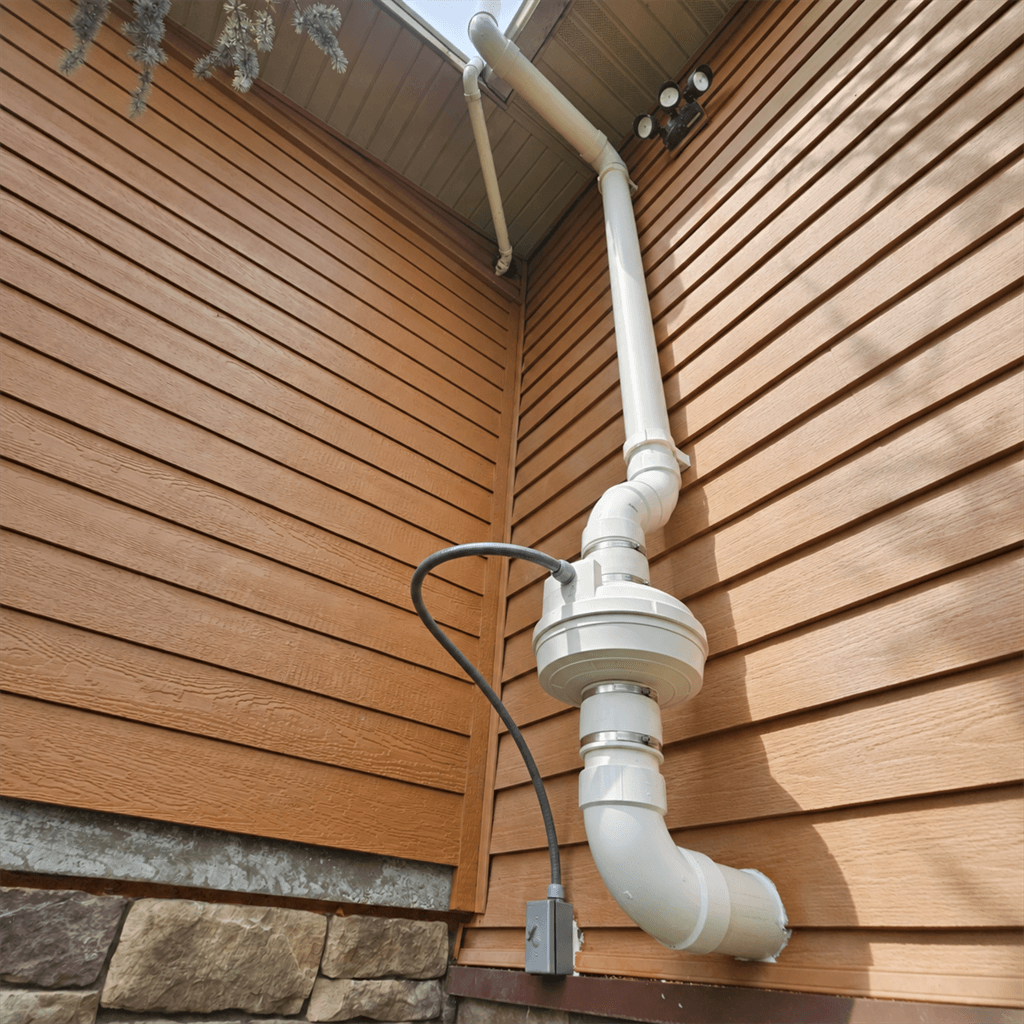
Our first configured workflow follows the radon job from test result and system assessment through homeowner presentation, proposal, installation, and closeout. It reflects the details contractors need to capture and explain in the field.
Insulation Pro is in development. The platform is built to support more specialty trades over time.
The sales toolkit, built around your trade
Capture the findings, explain the recommendation, give customers clear choices, and move the accepted scope into the job.
Build the proposal while the customer is still engaged.
- Trade-specific intake instead of a blank estimate
- Clear Option A / Option B proposal choices
- Premium, branded proposal templates
- Company-configured services and add-ons
- Electronic acceptance
- A permanent record of exactly what the customer accepted
- Accepted work continues into the booked job
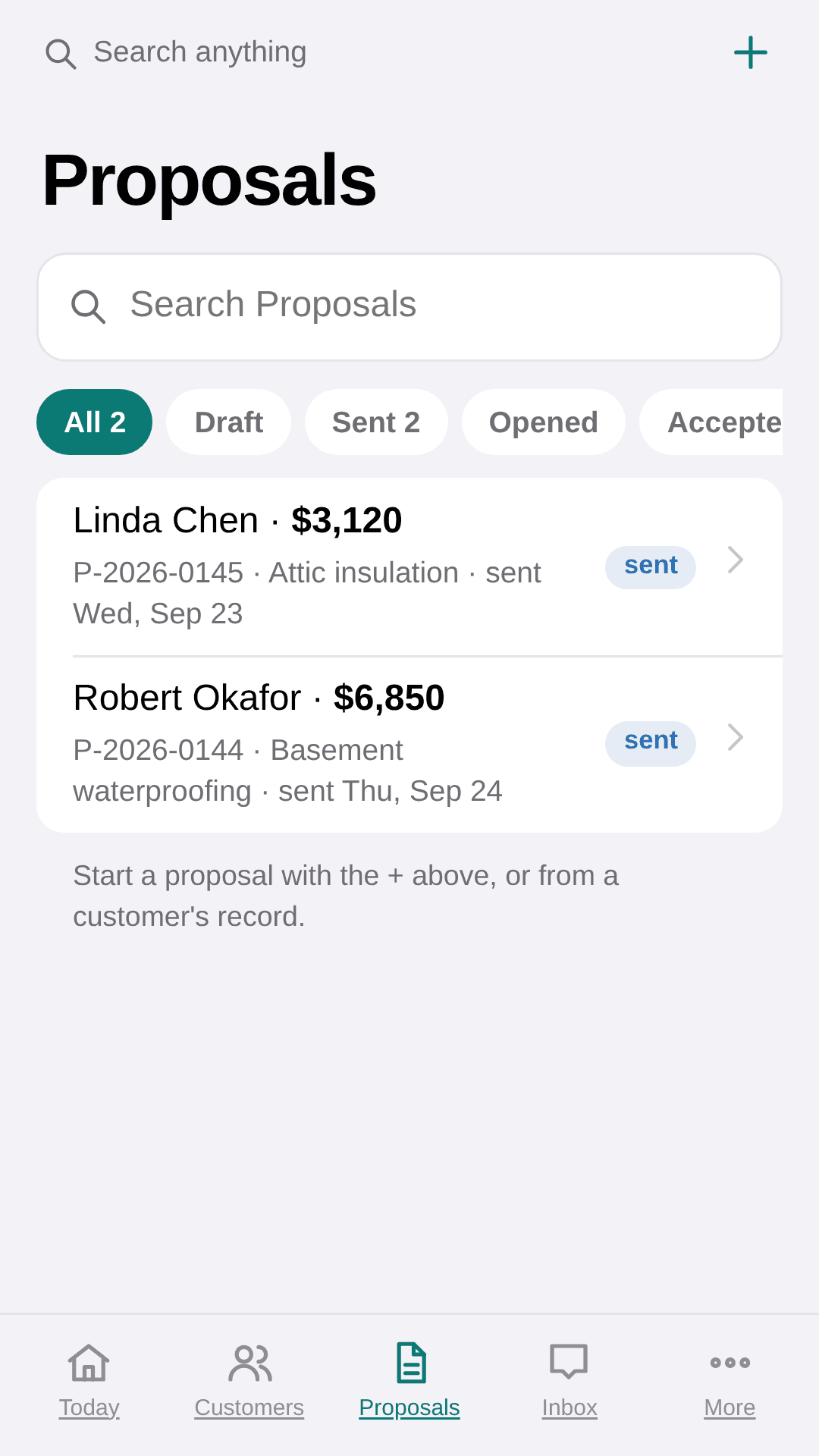
Real product view
Don’t just give them a price. Make the value obvious.
- Prepare from the existing customer record
- Use customer-specific findings in the presentation
- Explain problems and recommended solutions visually
- Present in the home or share a personalized link
- Include company credentials, warranties, and service options
- Move naturally from presentation into proposal and acceptance
The customer-facing sales experience inside JobRhino.
Keep the sale and the work on one clean record.
- Start from the customer instead of duplicating records
- Move from proposal to booked job
- See status and the next action at a glance
- Keep follow-up connected to the customer
- Schedule and dispatch from the same workflow
- Keep accepted documents with the work
A straightforward path from first conversation to job day.
One customer, one job — from first conversation to closeout
Customer details, proposals, signatures, scheduling, and job status stay in one connected workflow — from the first visit through closeout. No duplicate customer records. No hunting across tabs.
- 1Customer
- 2Prepare
- 3Present
- 4Propose
- 5Accept
- 6Schedule
- 7Complete
The work stays connected after you win it
The accepted scope, scheduling, follow-up, and job context stay connected for the office and the field.
Customer CRM
One customer record across every visit, job, and proposal.
Premium proposals
Branded Option A / Option B proposals with acceptance.
In-home presentation
RhinoShare presentations built from the customer record.
Dispatch & scheduling
Assign crews, book installs, and dispatch the field day.
Follow-up
Structured reminders so no proposal ever goes cold.
Job workspace
Keep job scope, status, property, and crew context together.

Built for the field
Software that keeps up with a truck, a crew, and a full schedule.
From the first conversation through closeout, JobRhino runs the day the way your crews actually work — one customer, one job, everything in sync between the field and the office.

The whole system rides along on every visit.
JobRhino goes where the work is. Pull up the customer on the driveway, review the job, present the recommendation, and collect a signature before you leave — all from your phone.
We build the system around you — then send you off swinging.
You don’t get handed a blank login and a good-luck email. Guided setup starts with your services, language, and real workflow.
Discovery
We learn your services, pricing, terminology, and how your team actually sells and runs the work.
We build it for you
We help configure your proposal settings, presentation content, branding, and workflows.
Kickoff call
We walk your team through the system we built around you and hand over the keys on a live working session.
Ongoing specialist support
Support stays grounded in your trade and the way your JobRhino workspace was configured.
Hands-on setup shaped by the services you sell and the work you run.
Built from real work in the field.
JobRhino comes from years spent in attics, crawlspaces, and customers’ homes — running jobs, writing proposals, and working around software that never fit the trade.
Specialty work has its own inputs, language, and customer questions. That experience shaped a sales toolkit that helps contractors explain the work clearly, price it consistently, and carry the details into the job.
See JobRhino built around your company.
Request a working demo of the presentation, proposal, and job workflow. We’ll show how JobRhino can fit your company.